...
2. From the web page, download the TIMONE Plan installer corresponding to your operating system and architecture (macOS ARM, macOS Intel or Windows);
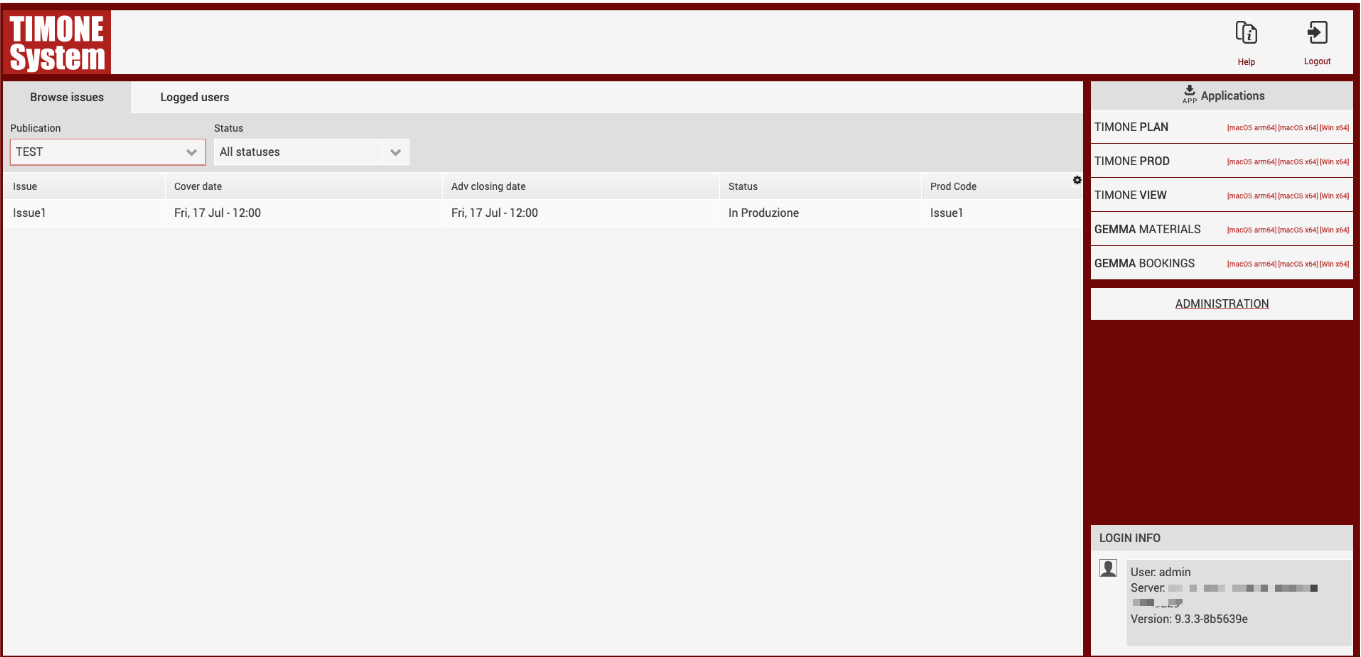
3. Install and start the application;
4. When the login page appears, select the language and enter the username, the password and the server address;
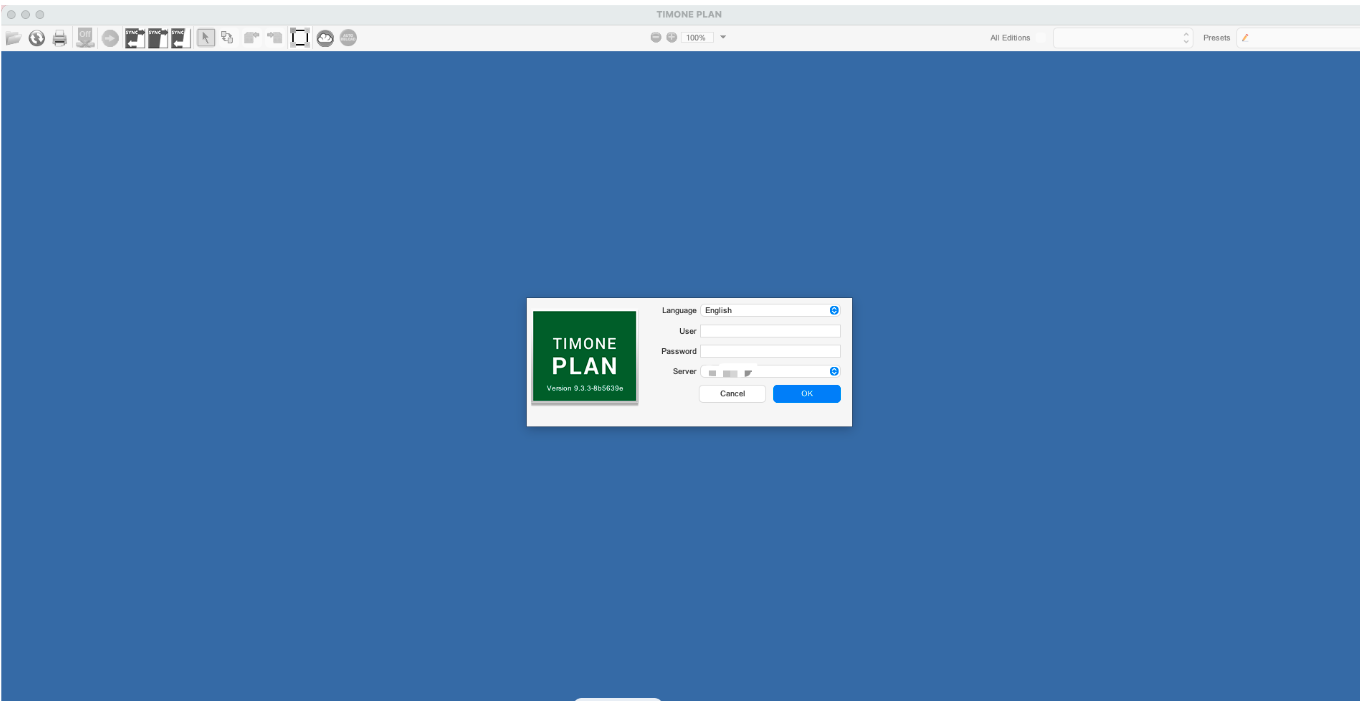
5. Click OK;
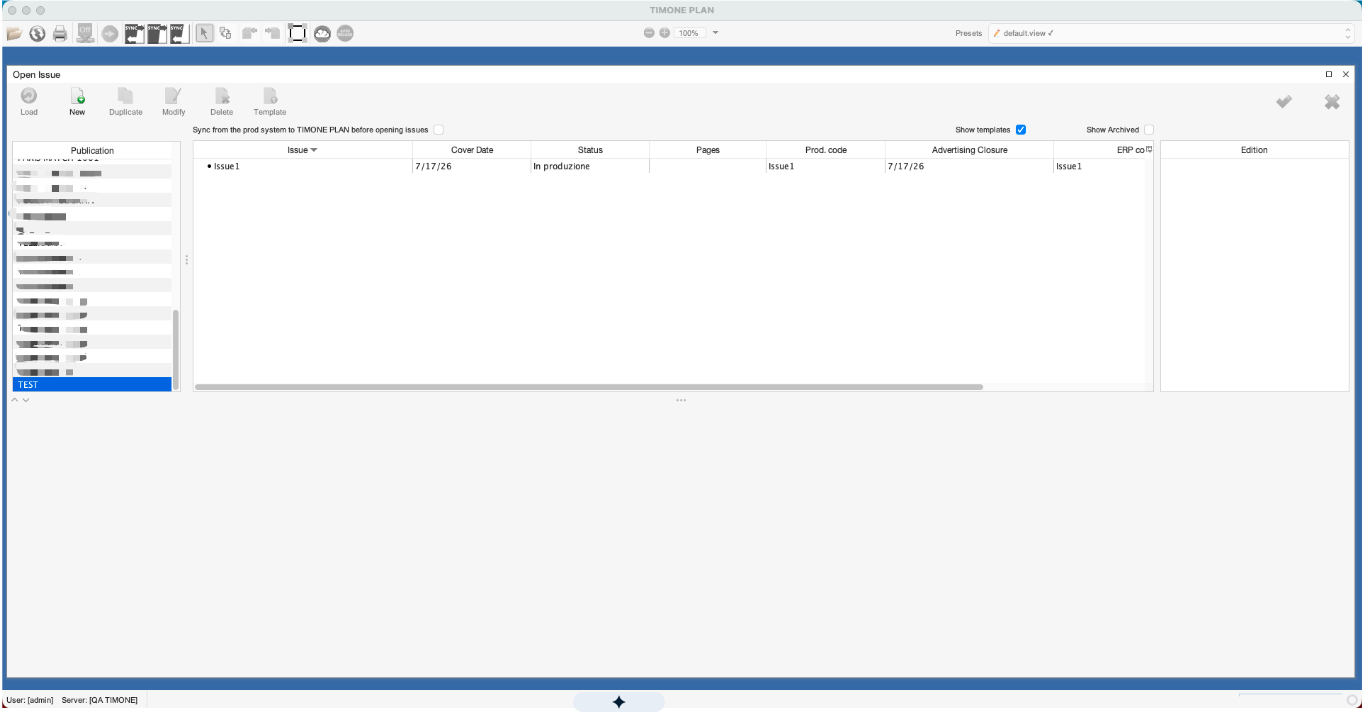
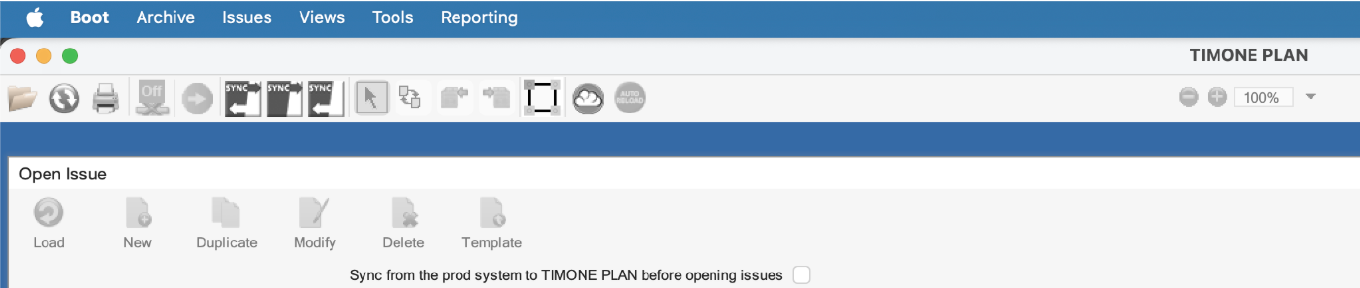
6. After login, the panel for managing issues is displayed.
| Info |
|---|
The native client integrates its own Java runtime environment, ensuring compatibility with the most recent versions of operating systems (including macOS Tahoe). It is therefore not necessary to install Java separately on the user's machine. |
...
- From the web page, with ALT+right-click on TIMONE Plan, save the .jnlp file;
- Open the downloaded .jnlp file with OpenWebStart;
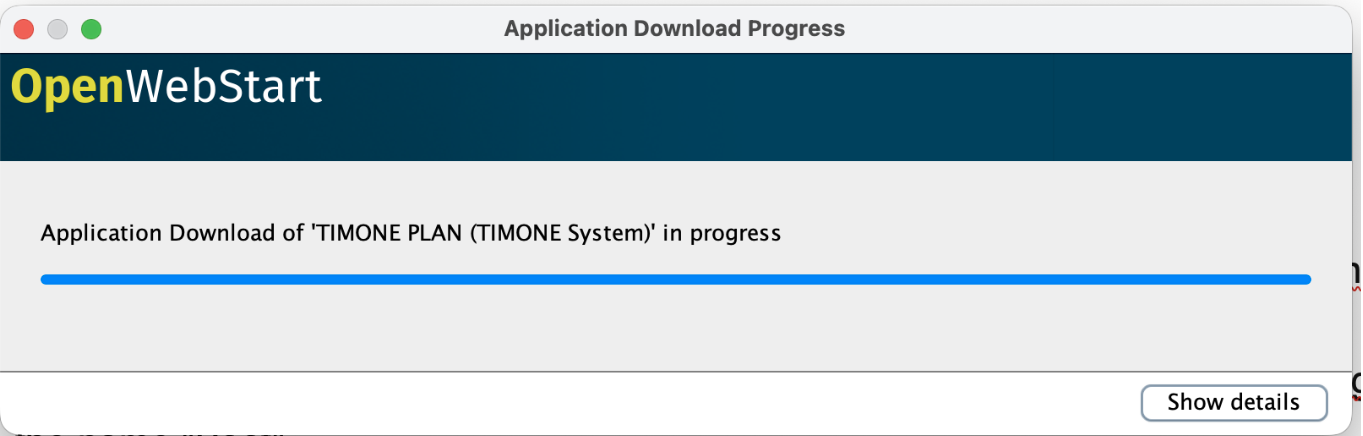
3. The application starts and the login page is displayed;
4. Select the language, enter the username, the password and the server address, then click OK.
| Info |
|---|
Note: When the application is started via OpenWebStart, it may be displayed in the operating system menu with the name "Boot". |
4. Save the .jnlp file
...