
To launch TIMONE Plan the user has to:
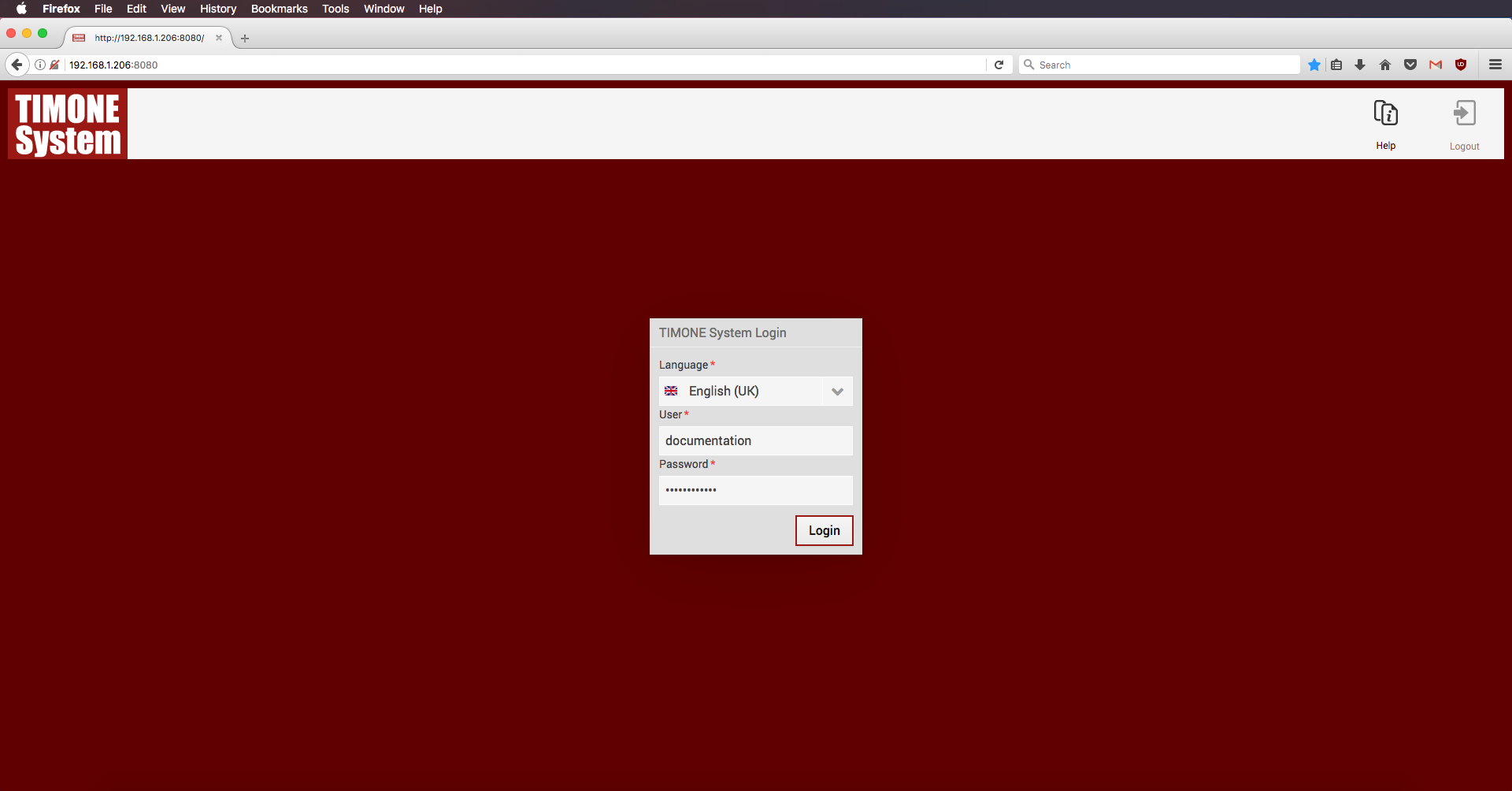
1. Open TIMONE Web Module;
2. Login into the System;
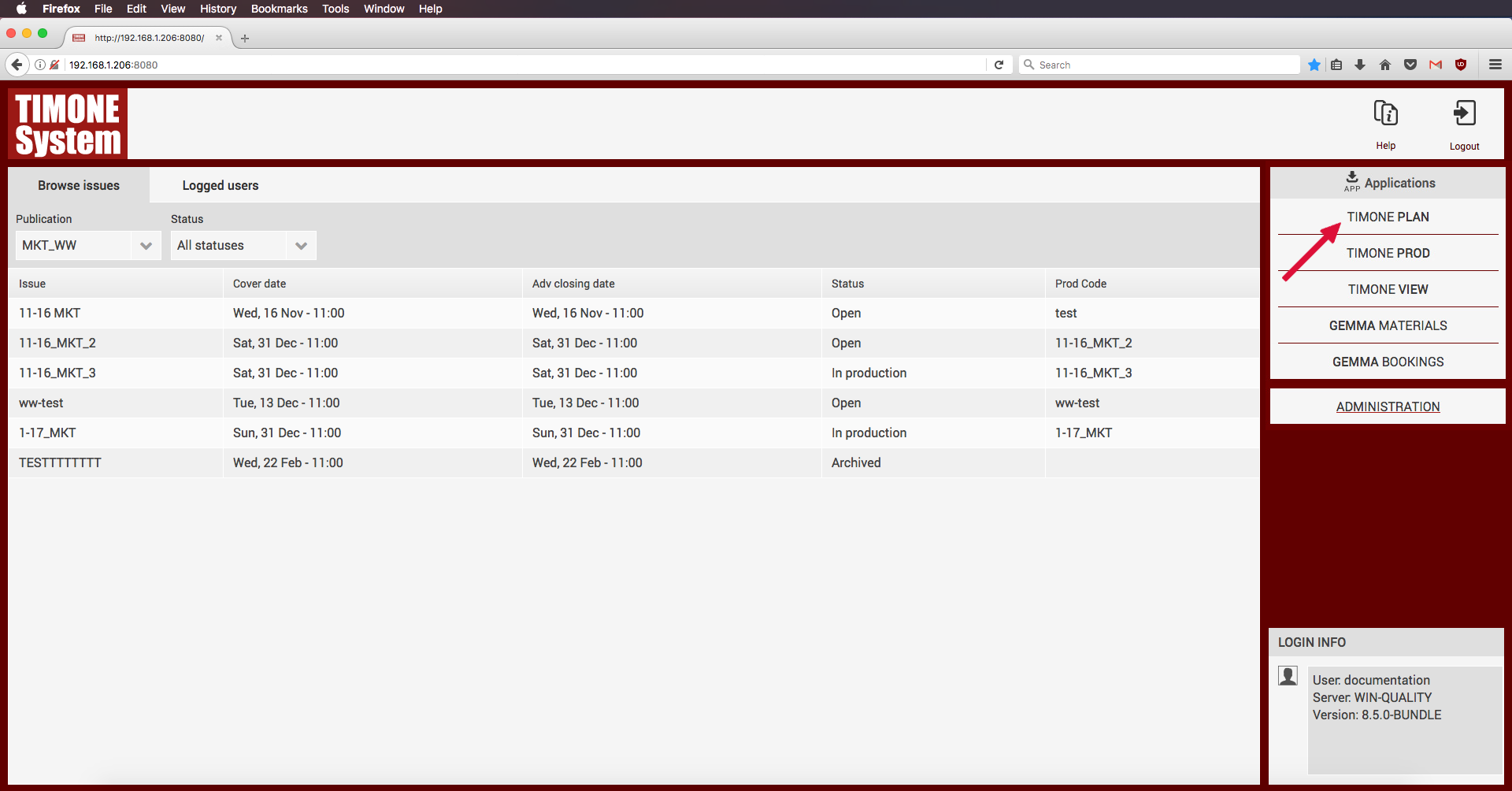
3. ALT+click on TIMONE Plan Module;
4. Save the .jnlp file
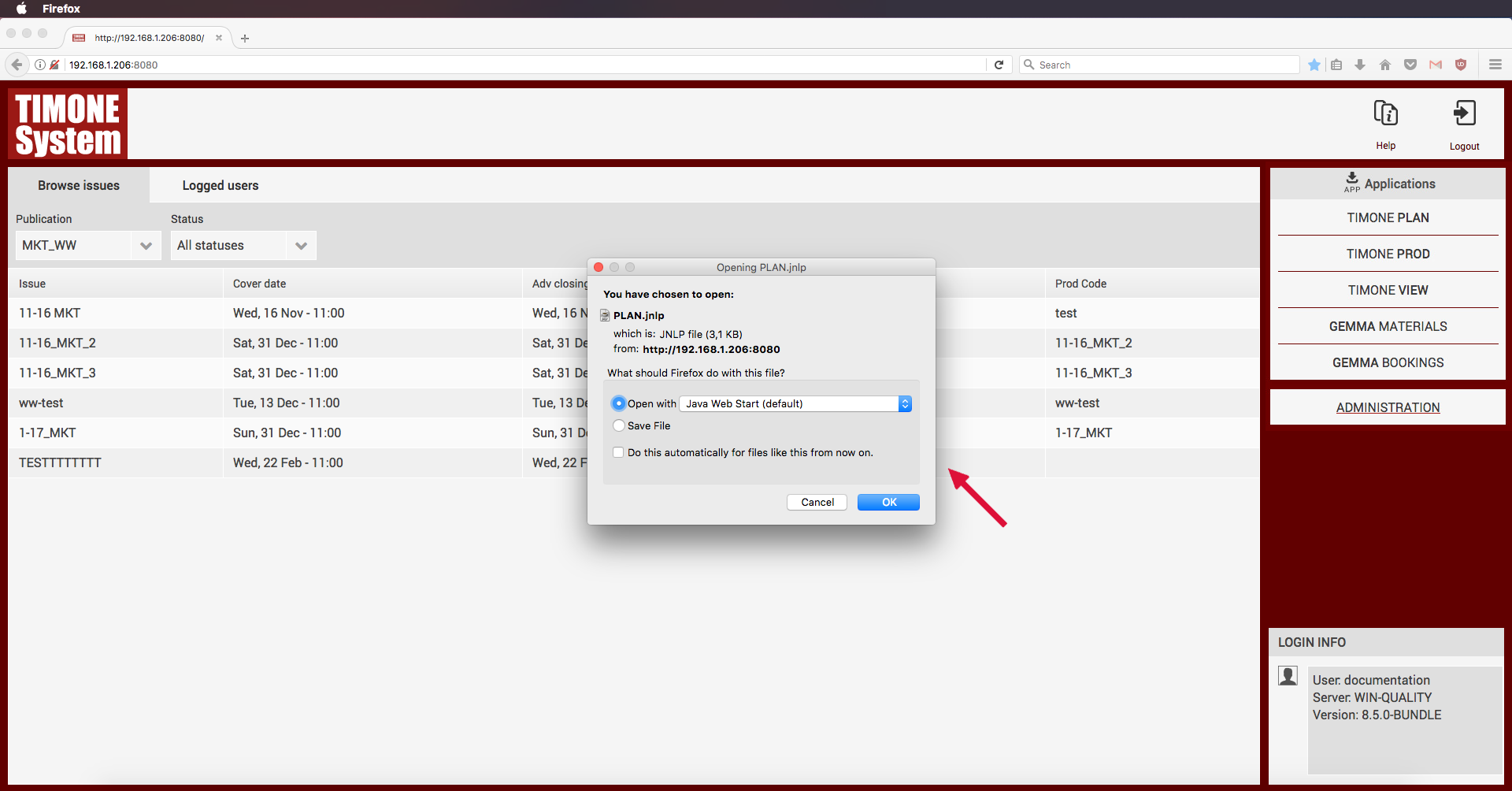
 | Depending on the browser, the Java Web Start application can automatically start to manage the client download process; if this doesn't happen, the JNLP file is available inside the default download folder and can be launched by clicking on it. |
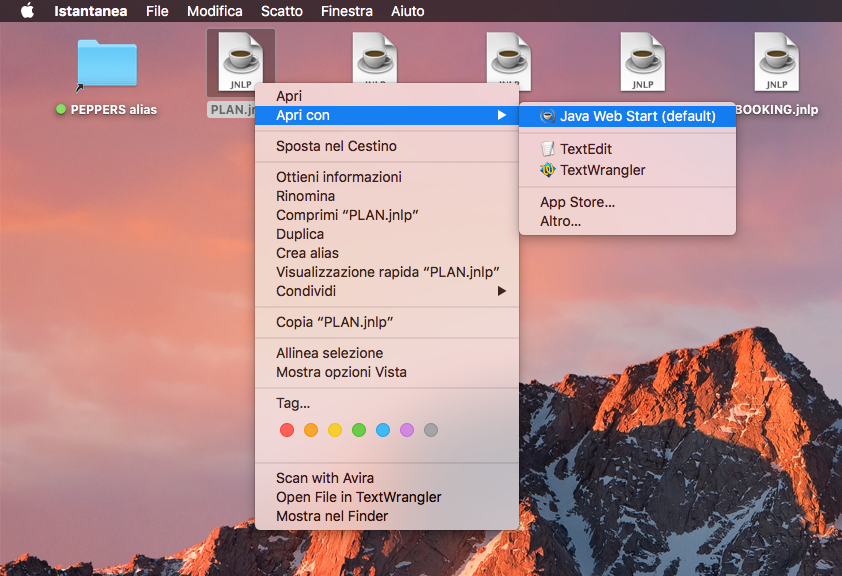
5. Right click on the .jnlp file downloaded on his client machine;
6. Open the .jnpl file with Java Web Start;
7. The application starts and the Login Page is displayed;
8. Select the language and enter the Username, Password and Server Address; The supported languages are: Italian, English, French, German and Spanish
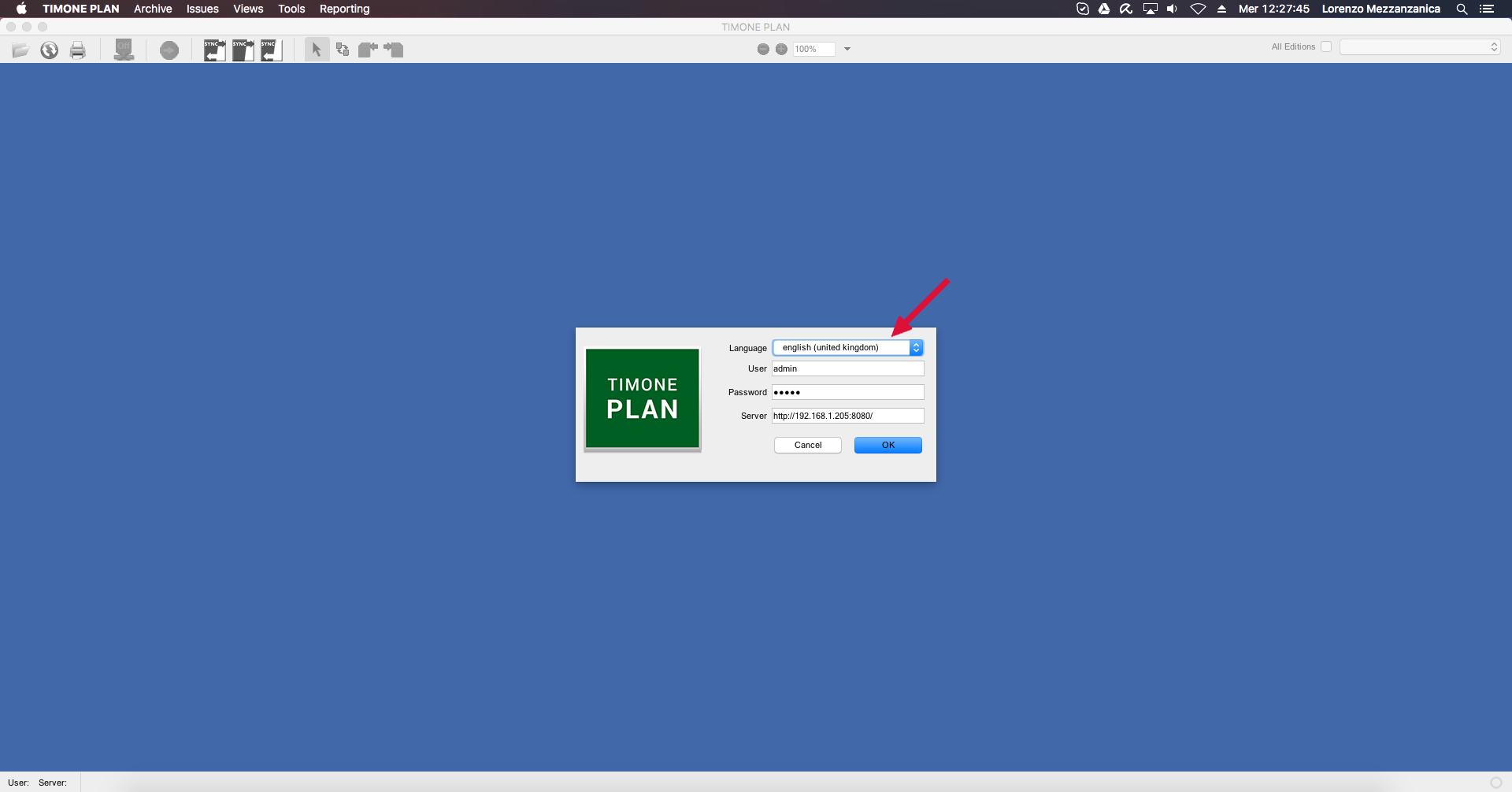
9. Click on OK button;
10. After the login, the Issue Management Panel is displayed.
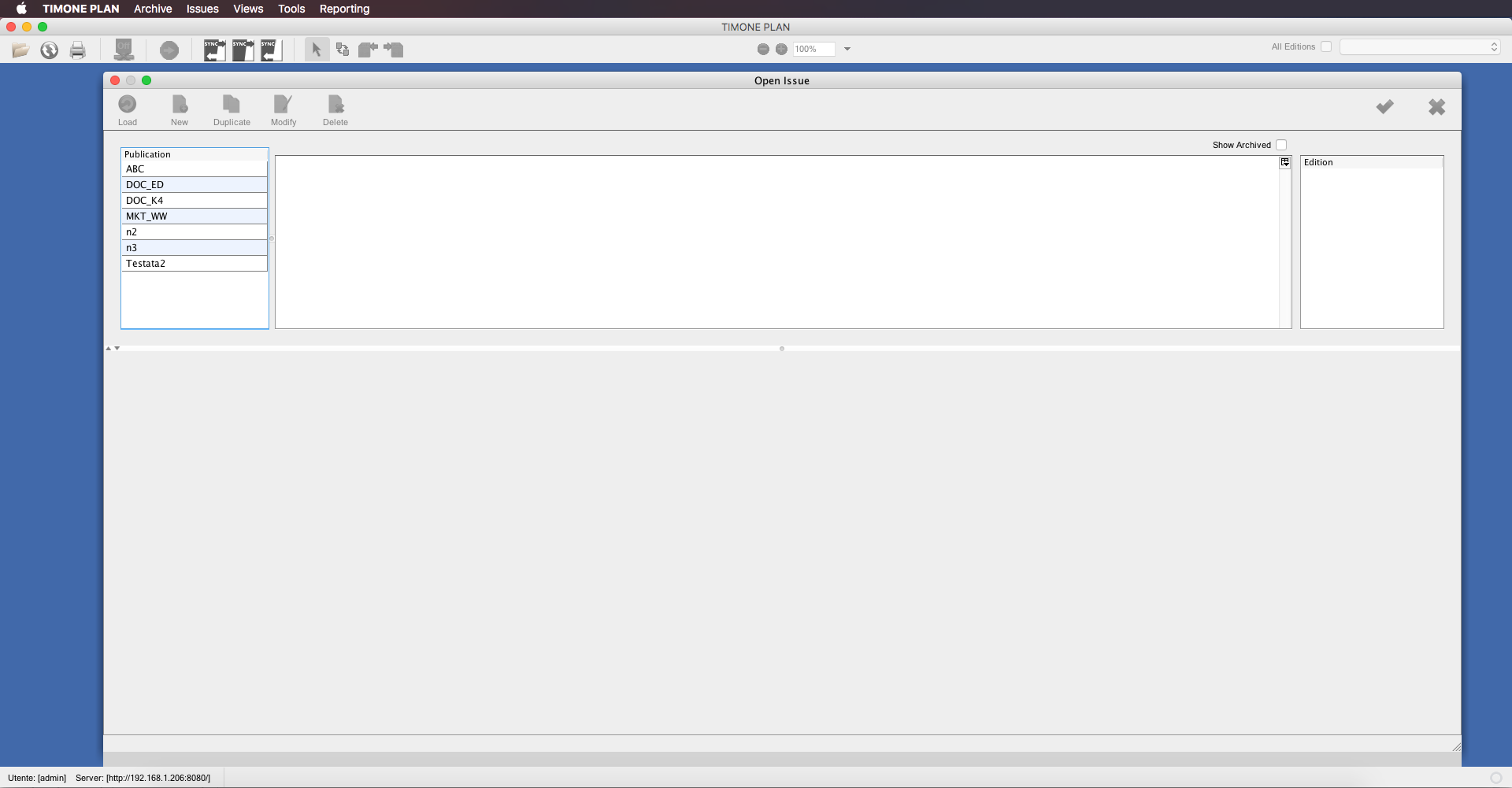
 | For more info please consult Issues Management Panel page. |

