Issue Versioning is very useful when you need to have more than one version at the meantime.
The information which deal with version are:
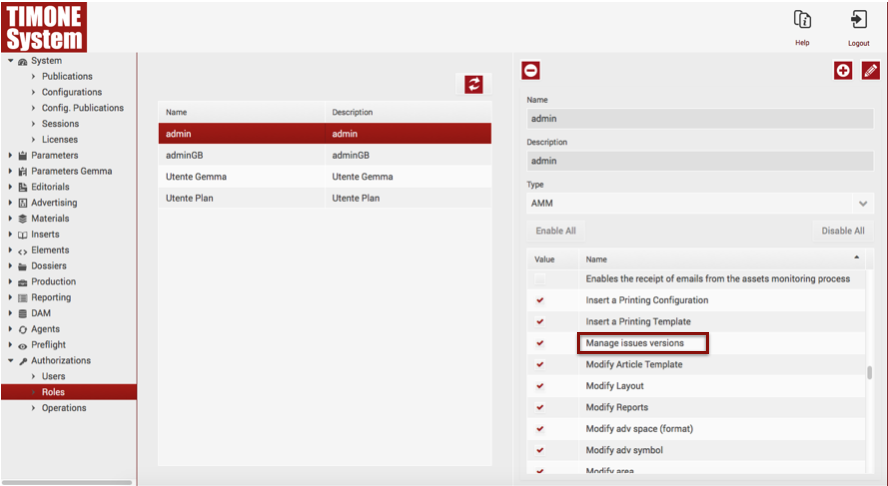
If a user wants to use the Versioning function, he firstly has to enable it from the Administration Panel:
Issue versioning consists in making a new version of an issue. Do do it, the user has to:
1. Select the tab "Issue"
2. Select the tab "Create new version"
3. Choose if he wants to set it as "Active Version".
Othervìwise, the user can decide to use the following shortcut: MAIUSC+CMD+V.