 :
:
In TIMONE Systems you can define a set of default colors to associate with editorial statuses, advertising statuses and signatures.
To add a new colour you have to:
1) Select Administration > Parameters > Colors
2) Click on the New button :
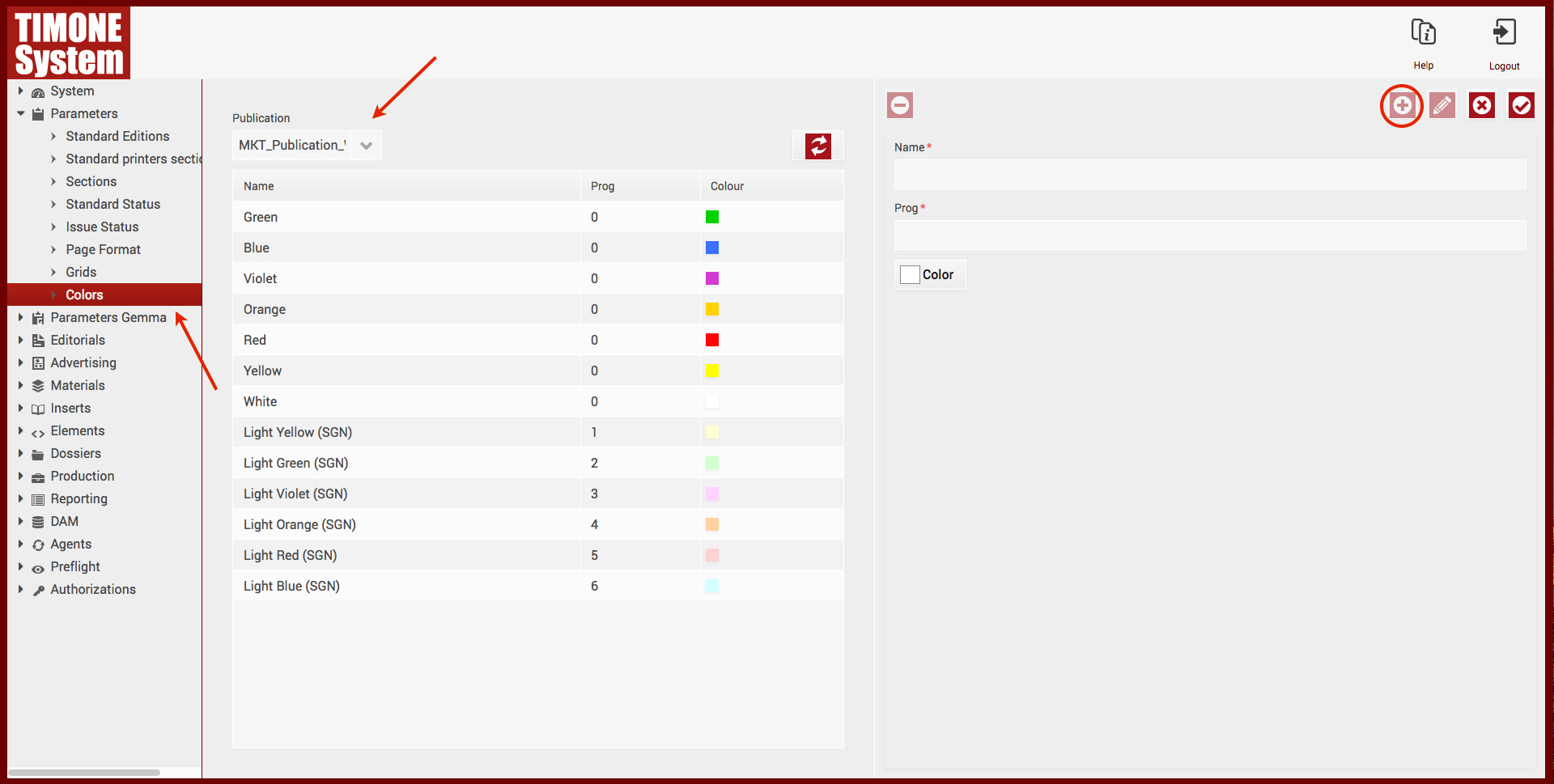
3) Fill in with:
| Field | Description |
|---|---|
| Color name | the name of the new color |
| Progressive position | the position of the color |
| Choose color | the hexadecimal color code or select one of the default coulours |
4) Confirm with  button.
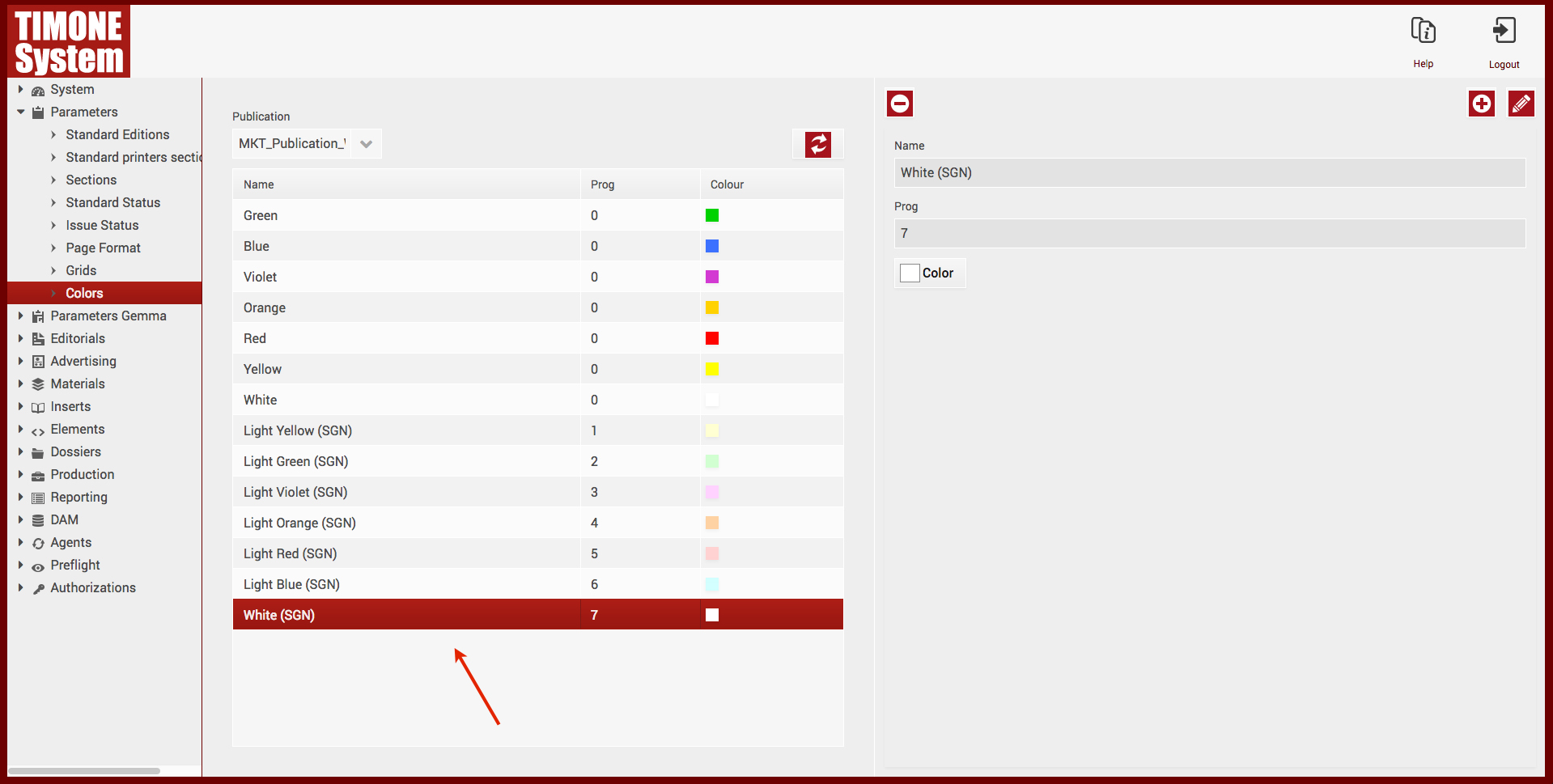
You can also:
|
 )
) )
)