| HTML |
|---|
<script type="text/javascript">
<!--
function tell_toggle_visibility(id) {
var e = document.getElementById(id);
if(e.style.display == 'block')
e.style.display = 'none';
else
e.style.display = 'block';
}
//-->
</script>
<a href="#">
<img style="-webkit-user-select:none; display:block; margin:auto;" src="http://docs.tellnet.it/download/attachments/9404604/SMALL_BANNER_White.gif" align="left" onclick="tell_toggle_visibility('tell_video');">
</a>
<br style="clear: both;">
<div style='display:block'></div>
<div id="tell_video" style='display:none'>
<iframe width="960" height="540" src="https://www.youtube.com/embed/6_Emx8hAgcU?rel=0&showinfo=0" frameborder="0" allowfullscreen></iframe>
</div> |
TIMONE Plan is a client application that runs on the user's machine. The client is available as a native application for the different platforms and architectures:
- macOS with Apple Silicon processor (ARM)
- macOS with Intel processor
- Windows
The TIMONE System automatically recognizes the architecture of the machine in use and, at each startup, keeps the client updated to the correct version.
The supported languages are: Italian, English, French, German and Spanish.
To launch TIMONE Plan the user has to:
1. Open TIMONE Web Module;2. Login the TIMONE web page and log into the Systemsystem;
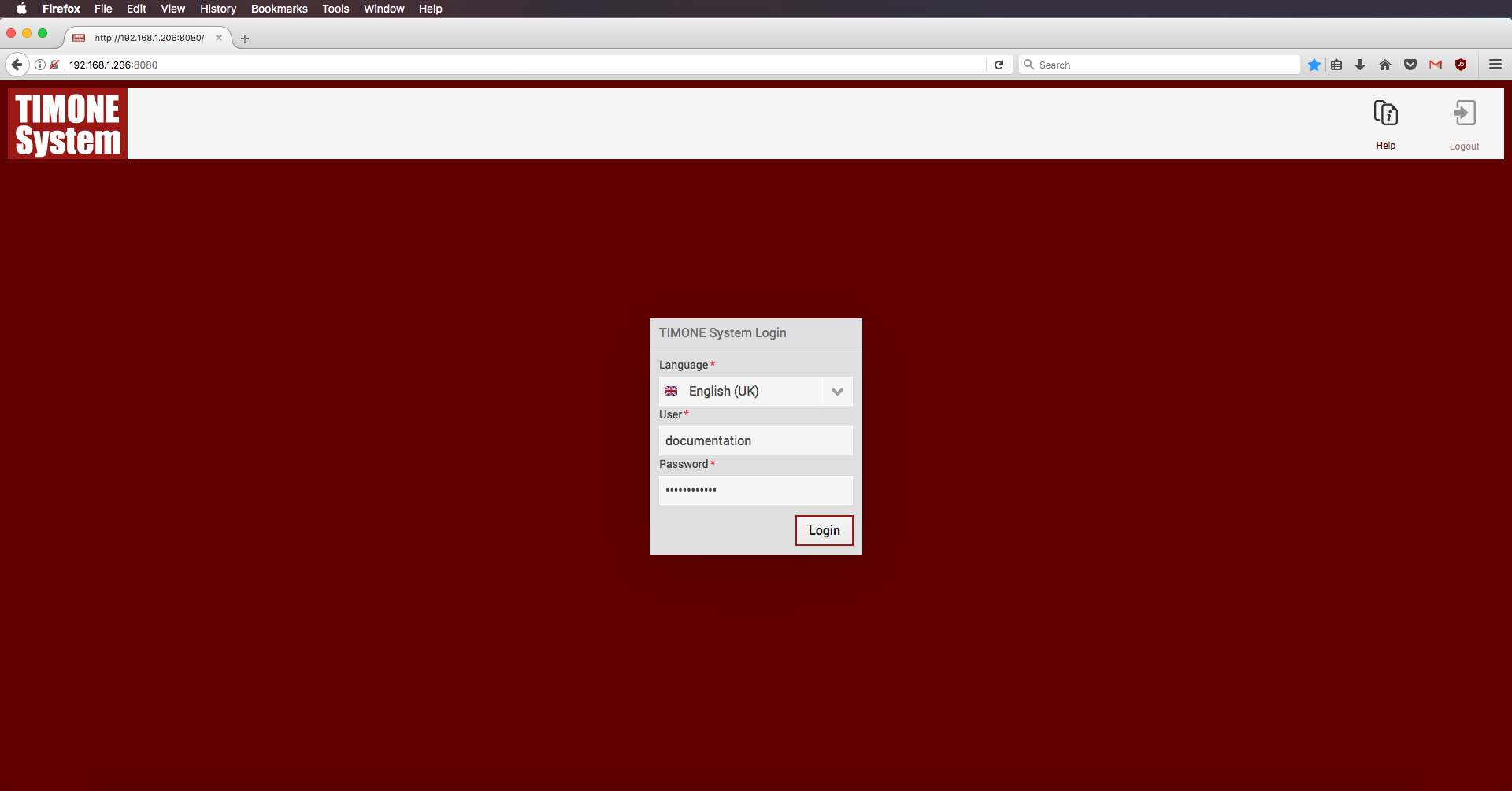
3. ALT+click on TIMONE Plan Module;
...